Jaya9 APK Download for Android
Updated September 2026 · Checked against provider and operator sources
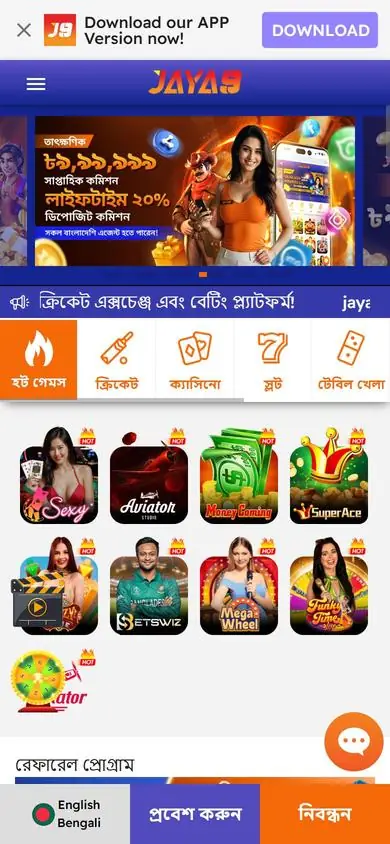
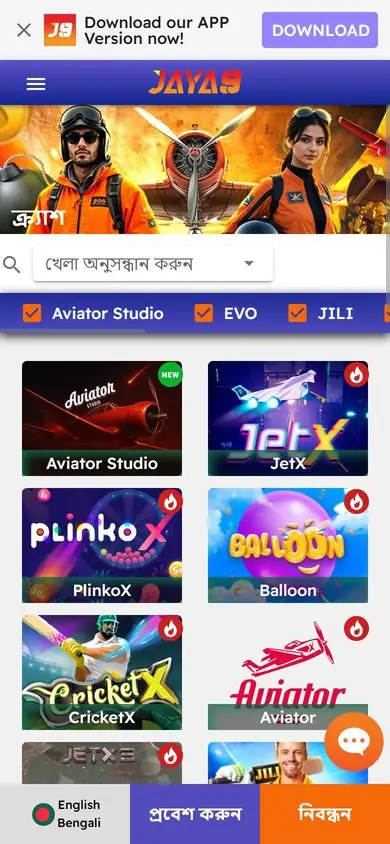
The Jaya9 Android app is a direct APK download from the Jaya9 website, not a Google Play listing. Installation takes two minutes. Download the file, allow your browser to install apps, open the file and log in, and the app carries the full casino, sportsbook, cashier and promotions with the same account and the same balance as the website. Updates are installed the same way when a new version is released. Open the Jaya9 site on your phone and tap the Android download button in the header.
Requirements
| Item | Minimum |
|---|---|
| Android version | 6.0 or later |
| Free storage | About 100 MB |
| Connection | Mobile data or Wi-Fi |
| Permission | Allow installs from your browser, once |
| Account | Existing Jaya9 login or a new registration inside the app |
The APK is signed by Jaya9. Download it only from the Jaya9 website, since copies on file-sharing sites and Telegram groups can carry modified code that captures logins and passes them to whoever uploaded the file. If your browser warns that the file type can harm your device, that is the standard warning for every APK outside Google Play. Check the source. Then proceed.
Install the app
- Open the Jaya9 website in Chrome on your Android phone.
- Tap the Android download button and wait for the APK to finish.
- Open the file from the download notification or the Downloads folder.
- When Android asks, allow Chrome to install unknown apps, then return to the file.
- Tap Install, wait, and open Jaya9.
The permission prompt appears the first time only, and once the app is installed you can switch that permission off again without affecting the app in any way. The switch is under Settings, Apps, Chrome, Install unknown apps. Log in with your usual username and password; the app and the website share one account and one balance. New players can register inside the app with the same three fields as the website and claim the slot welcome bonus on the first deposit. Chrome shows the downloaded file in its own download list under the three-dot menu if the notification has gone. Samsung Internet and other browsers work the same way with their own permission switch. The app icon appears on the home screen or in the app drawer after install, and the first launch takes a few seconds longer than later ones. Registration inside the app sends the OTP to the same phone, which makes it the quickest way to a working account.
App or browser
The app loads faster on repeat visits, keeps you logged in and puts an icon on the home screen. The mobile browser needs no installation and no permission change, and it is the right choice on a borrowed phone. Both give the full lobby, live betting, cashier and live chat. iPhone users have no APK; the iOS page shows the Safari home-screen method. Pick what suits the phone in your hand. Data use is similar on both. Live casino streams use the most. Switching between them mid-session is fine, as the balance and the open bonus are the same on both.
Update or remove
When a new version is out, the app shows a prompt or the website shows a new download button. Download the new APK and install it over the old one; your login and settings stay. Uninstall through Settings, Apps, Jaya9, Uninstall, which removes the app and nothing from your account. Reinstall any time from the website. Old versions can stop connecting after a server update, which shows up as a blank screen or a login loop that no password fixes, so keep the app current. Version numbers are shown in the app settings.
Fixes for common problems
| Problem | Fix |
|---|---|
| "App not installed" | Free up storage, redownload the file, try again |
| Install blocked | Allow unknown apps for Chrome in Settings, then reopen the file |
| App opens to a blank screen | Switch network, or clear app data under Settings, Apps, Jaya9 |
| Login rejected | Reset the password on the account help page |
| Old app will not connect | Download the current APK from the website and install over it |
Play safely in the app
Set a screen lock on the phone, since the app keeps you signed in. Deposits and withdrawals in the app use the same wallets and rules as the website, described on the payments page. Never install a modded Jaya9 APK or an Aviator predictor from outside the official site, because both exist for one purpose, which is to read what you type into the login screen. Support inside the app never asks for your password or OTP. Install, log in, play. Log out before lending the phone to anyone. Reinstall from the website if the app ever behaves strangely, as a fresh install takes two minutes and rules out a corrupted file. Nothing about your account lives on the phone itself. Then open the cashier.