How to Download the Jaya9 App
Updated September 2026 · Checked against provider and operator sources
The Jaya9 download depends on the phone in your hand. Android gets a native APK from the Jaya9 website. iPhone and iPad get a Safari web app pinned to the home screen, since there is no App Store listing. Any other device uses the mobile browser with the same login and the same balance, and all three methods take under five minutes from the moment you open the Jaya9 site. Pick your device below, or register first so the app opens straight into your account. The account is the same on all three.
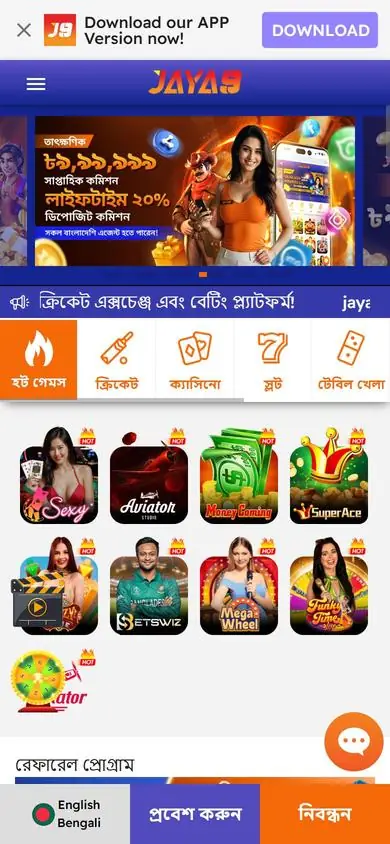
Which method fits your phone
| Device | Method | Time |
|---|---|---|
| Android 6.0 or later | APK from the Jaya9 website | Two minutes |
| iPhone or iPad | Safari, Share, Add to Home Screen | One minute |
| Any phone, borrowed phone, desktop | Browser, no install | Immediate |
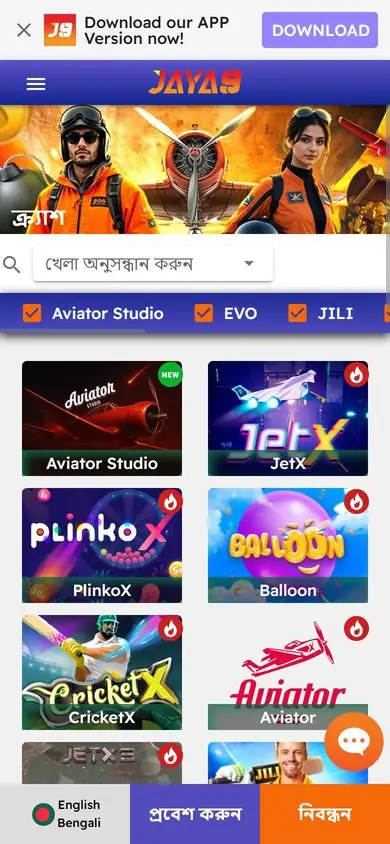
Android: install the APK
- Open the Jaya9 website in Chrome and tap the Android download button.
- Open the downloaded file from the notification.
- Allow Chrome to install unknown apps when Android asks, then return to the file.
- Tap Install and open Jaya9.
The APK comes only from the Jaya9 website, and a copy from a Telegram group or a file-sharing site is not the same file whatever its name says. The unknown-apps permission is a one-time step that can be switched off afterwards. Updates are installed over the existing app without losing your login. The Android page has requirements, update steps and a fix table for blocked installs. Chrome keeps the file in its download list if the notification disappears. Installation over an old version keeps your settings.
iPhone: add the web app
- Open the Jaya9 site in Safari.
- Tap Share, then Add to Home Screen.
- Tap Add.
The icon opens Jaya9 full-screen with your session remembered, and because it points at the live site, there is nothing to update. Face ID protects it as it protects the phone. If Jaya9 moves to a new address, delete the icon and add it again. The iOS page covers Safari settings that can block games.
Browser: no install at all
Open the Jaya9 site in any modern browser, log in and play. This is the right choice on a borrowed phone, a work laptop or a device where you cannot change install permissions. Logging out ends the session, and clearing the browser history and site data afterwards removes the saved address and any autofill on a shared device. Every lobby, the cashier and live chat are there. Desktop players get the wide layout with the lobby and a game side by side.
After the download
Log in with the same username and password as on the website; there is one account and one BDT balance across every device. New players register inside the app or in the browser with a username, password and mobile OTP, then deposit from BDT 200 through the cashier and select a promotion such as the slot welcome bonus from the welcome bonus page. Enable a screen lock on any phone that stays logged in. Open the casino or sportsbook and play. A new device triggers an OTP to the registered number. Bonus progress, Jaya Rank and coin balances travel with the account, so switching from a browser session to the app mid-week changes nothing about an active reload. Live chat is in the same place on every version. Settings such as odds format and language are saved per account.
If the download fails
Android "app not installed" usually means low storage or a broken download, so free space and fetch the file again. A blocked install means the unknown-apps permission is still off for Chrome. An iPhone icon that opens a blank page points at an old address. A browser that will not load the site is often a network filter, and switching between Wi-Fi and mobile data resolves most cases. Live chat on the login screen helps with the rest. Most download problems are fixed in under a minute once the cause is named, and the fix table on the Android page lists each error message next to its cure.